Currently, it is not possible to synchronize unlicensed shared mailboxes from the M365 environment into the control panel automatically. Only mailboxes with a valid M365 license will be synchronized.
Workaround
Create a secondary environment under Service Dashboard > Secondary Environments pointing to the same target as the primary environment.
Then create the mailbox manually in the Control Panel under Customer Settings > Mailboxes, selecting the new secondary environment here:
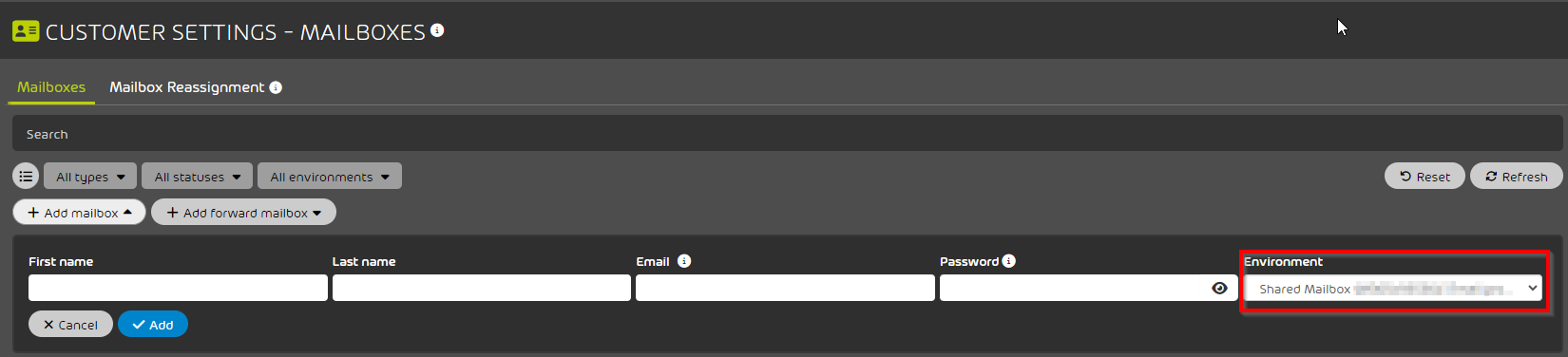
The mailbox will now be able to use the Control Panel services.
* Note that any shared mailbox added will consume a license